Difference between revisions of "Fully Assembled Gigabot"
From re:3D
(→Gigabot Quick Start Guide) |
|||
| Line 1: | Line 1: | ||
==Gigabot Quick Start Guide== | ==Gigabot Quick Start Guide== | ||
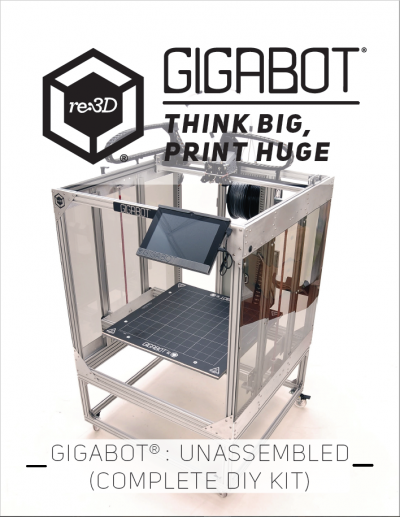
| − | + | [[Image:FK_Cover_Photo.png|thumb|none|top|400px|link=https://www.dropbox.com/s/muss3ypu7k7unta/GB3%2B%20Quick%20Start%20rev02%20reduced.pdf?dl=0|alt=Alt text|Gigabot Quick Start Guide]] | |
| − | + | ||
| − | + | ||
| − | + | ||
| − | + | ||
| − | + | ||
| − | + | ||
| − | [[ | + | |
| − | + | ||
| − | + | ||
| − | + | ||
| − | + | ||
| − | + | ||
| − | + | ||
| − | + | ||
| − | + | ||
| − | + | ||
| − | + | ||
| − | + | ||
| − | + | ||
| − | + | ||
| − | + | ||
| − | + | ||
| − | + | ||
| − | + | ||
| − | + | ||
| − | + | ||
| − | + | ||
| − | + | ||
===Installing software and start printing=== | ===Installing software and start printing=== | ||
Revision as of 22:04, 6 December 2016
Gigabot Quick Start Guide